Videos and reels
- YouTube
- TikTok
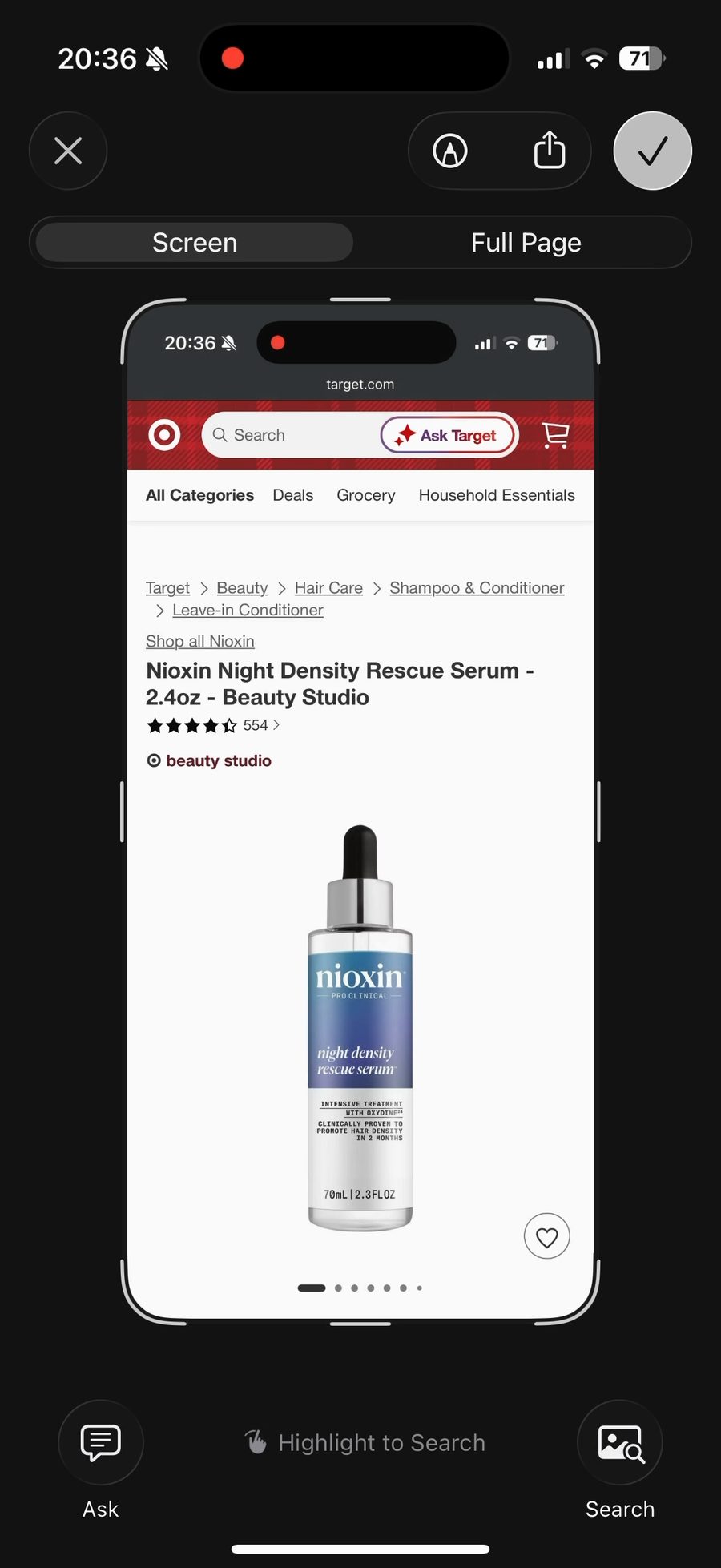
Take a screenshot and Snapturn saves the links on it. No copying, no switching apps, no sending links to yourself. Find it later with search and filters.
Works with the apps you already screenshot
No share menus, no copying links, no sending them to yourself. Snapturn does the rest.
No share menus, no copying links, no sending them to yourself. Snapturn does the rest.
Wherever you are: a shop, a feed, a video, a map. Press the two buttons you already know. You never leave the app you are in.
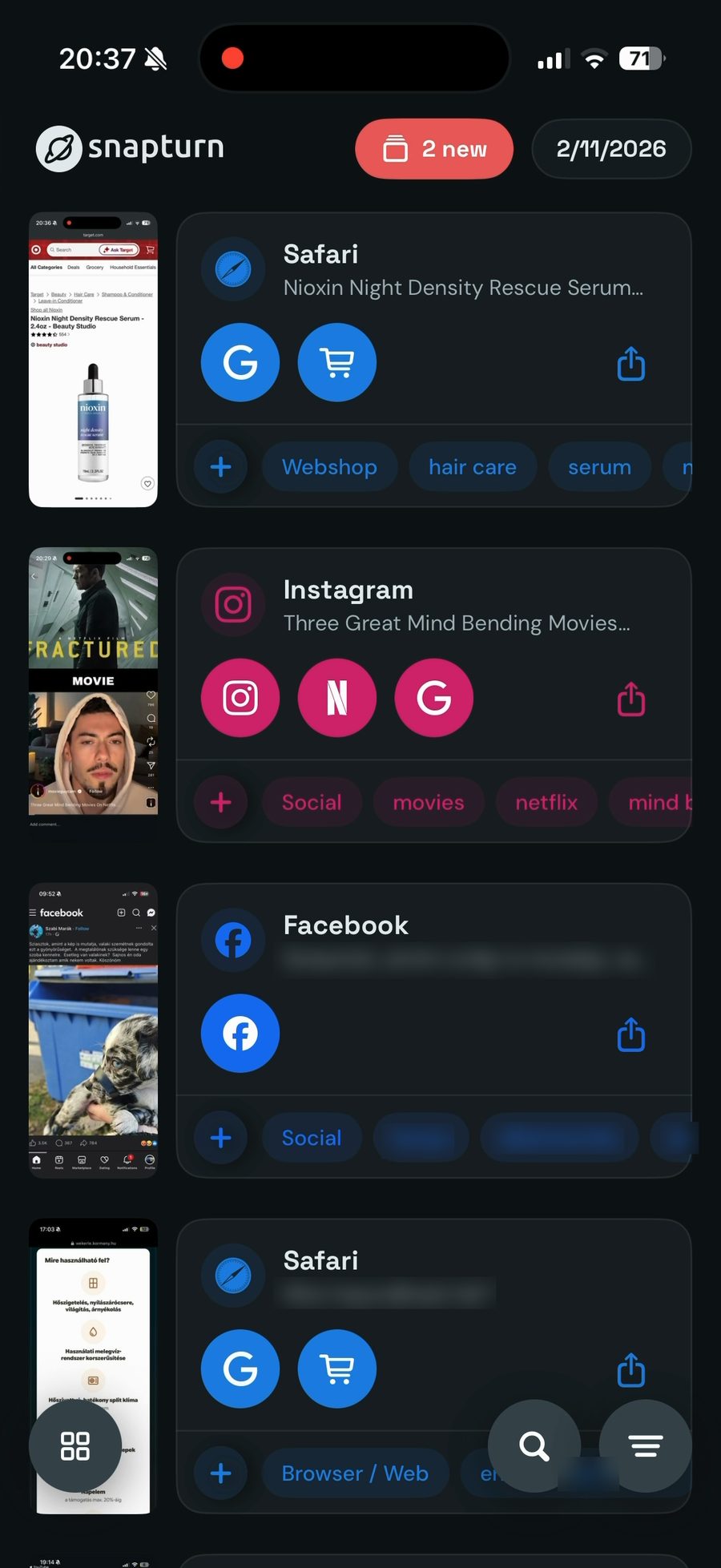
It works out where the screenshot came from and what is on it, then puts a button on each thing you can go back to.
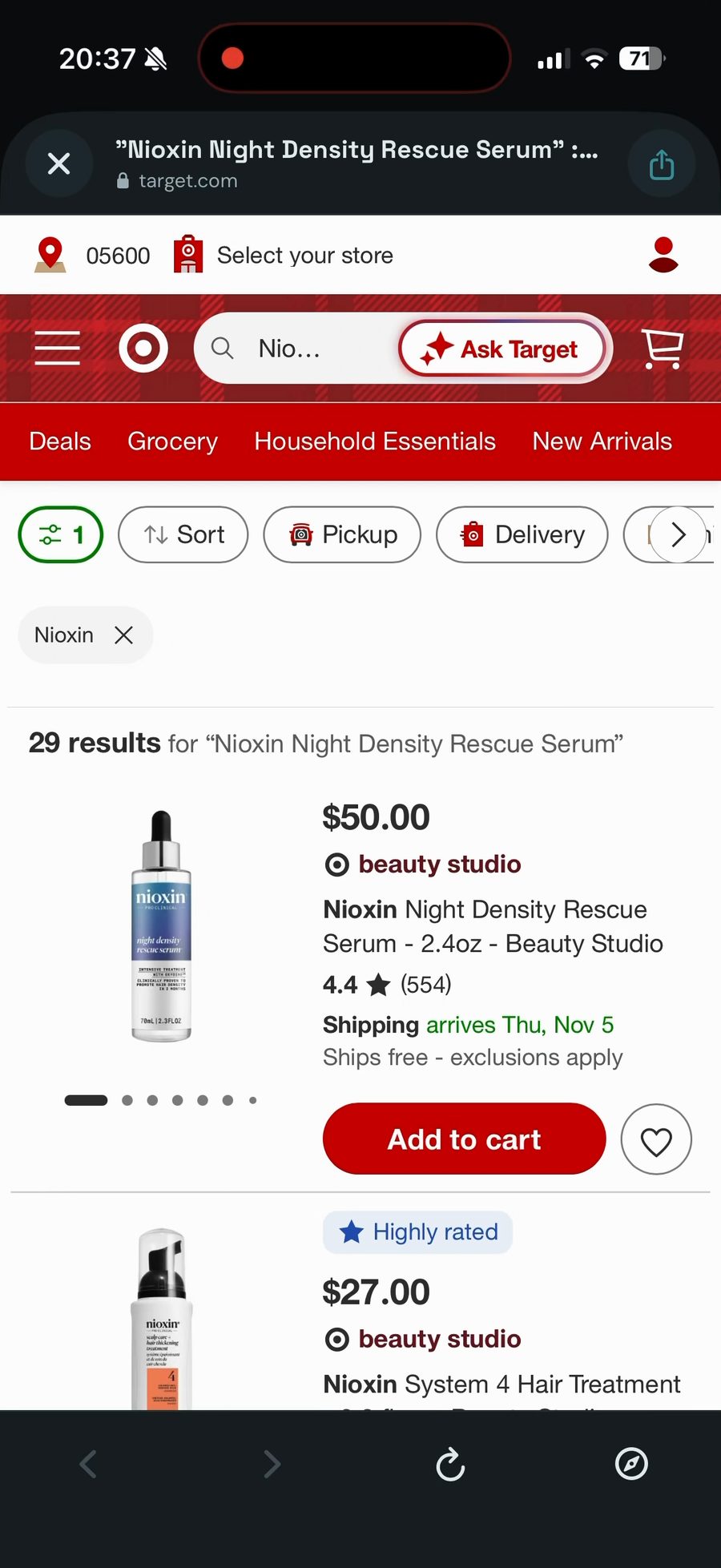
One tap opens the app right where you were. If an app doesn't allow that, Snapturn opens it and copies what to search for: just paste it into the search box.
Real screen recordings. Pick an app to watch one screenshot turn into a link.
Screenshot a pin and the address gets its own buttons: open it in Maps or Google Maps.
From a pin in Google Maps to a post on X. If an app can't take a link, Snapturn opens it and copies the name for you to paste.
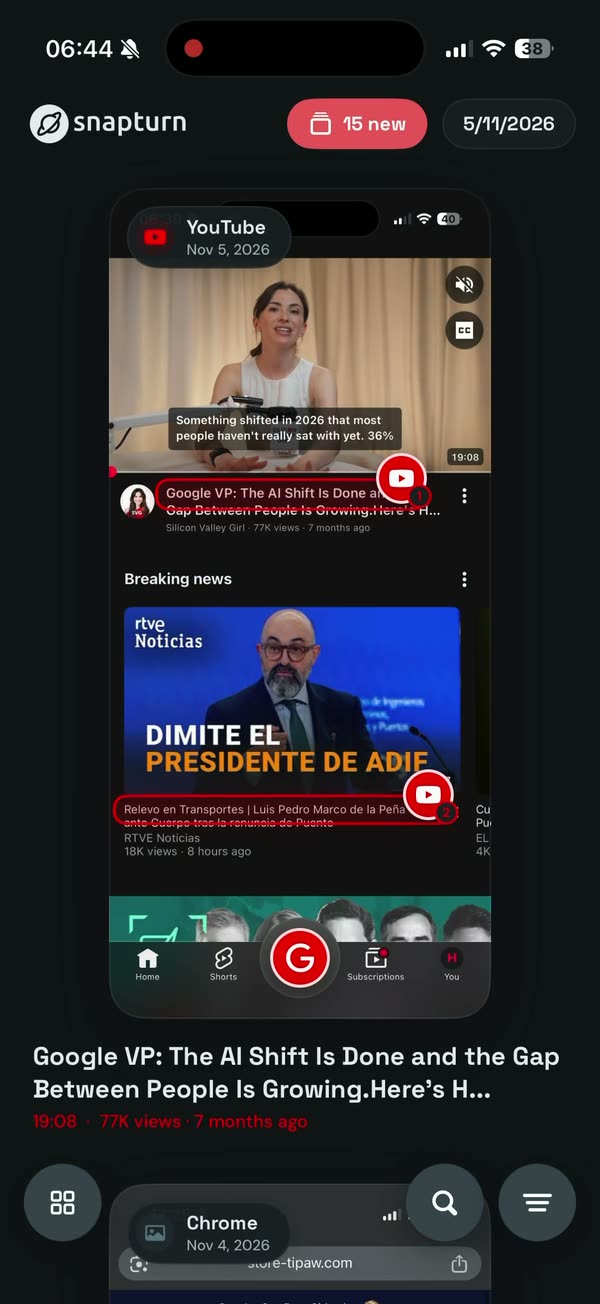
Screenshot a YouTube page with a whole list on it. Each video gets a button, pinned right where you saw it.
Want the second one? Tap the second button.
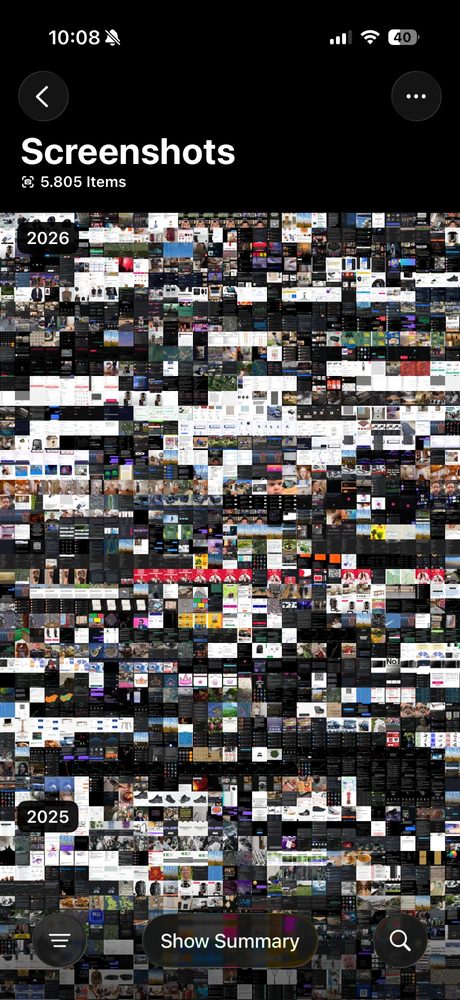
Some apps can't be opened at a search. Snapturn opens them anyway and copies the name, ready to paste.
Copied: Nioxin Night Density SerumSearch by app, by shop, or by any word that was on the screenshot. Filter by app with one tap.
Only the screenshots you choose are read. The images are not kept on our server, and nothing is used for ads. Read the privacy policy
See it work on your own screenshots before you pay anything. After that, no subscription: buy a pack once and use it at your own pace. Credits never expire.
Then, when you want more:
One credit reads one screenshot, new or old. When you buy, you decide how much of the pack goes to the screenshots you already have; the rest waits for new ones. Prices are planned for launch and may change.
One screen, one decision: pick a pack and choose how much of it goes to the screenshots you already have.
Each pack shows how many screenshots it reads and roughly how long it lasts at your pace.
A slider shares the pack between the screenshots you already have and the ones still to come. Past ones are read newest first, going back in time.
Snapturn remembers how far back it got. The next pack picks up from that date, so nothing is read twice.
Snapturn is in testing now. It will be available for iPhone soon.